
Patterns
Ready-made sections. Build pages in minutes.
Zen Builder includes 49 section patterns built with Zen Builder blocks. Insert one, change the words and images, and move on to the next section.
How it works
From blank page to layout in three steps.
1. Insert a pattern
Open the block inserter, choose the Patterns tab and pick a category such as Hero banner or Pricing.
2. Make it yours
Replace the text and images. Every part is a normal Zen Builder block you can edit, move or remove.
3. Styles follow your settings
Colours, fonts, buttons and spacing come from Theme Options, so every pattern matches your site.
Pattern library
Every section you need for a business site.
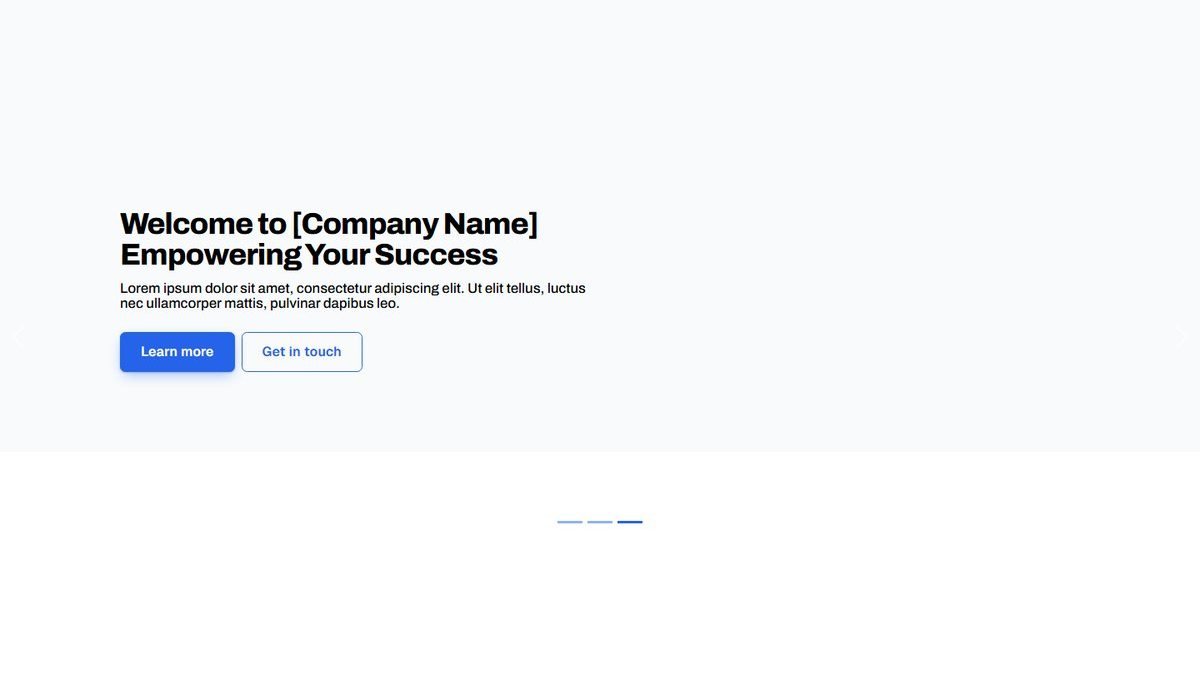
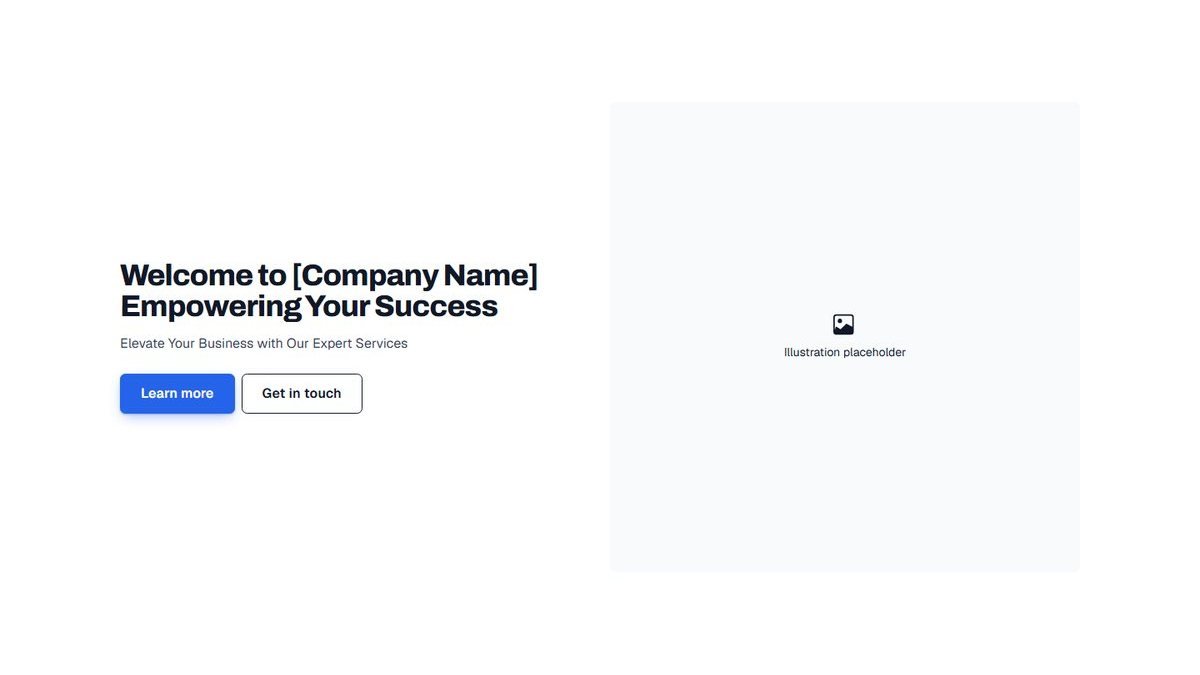

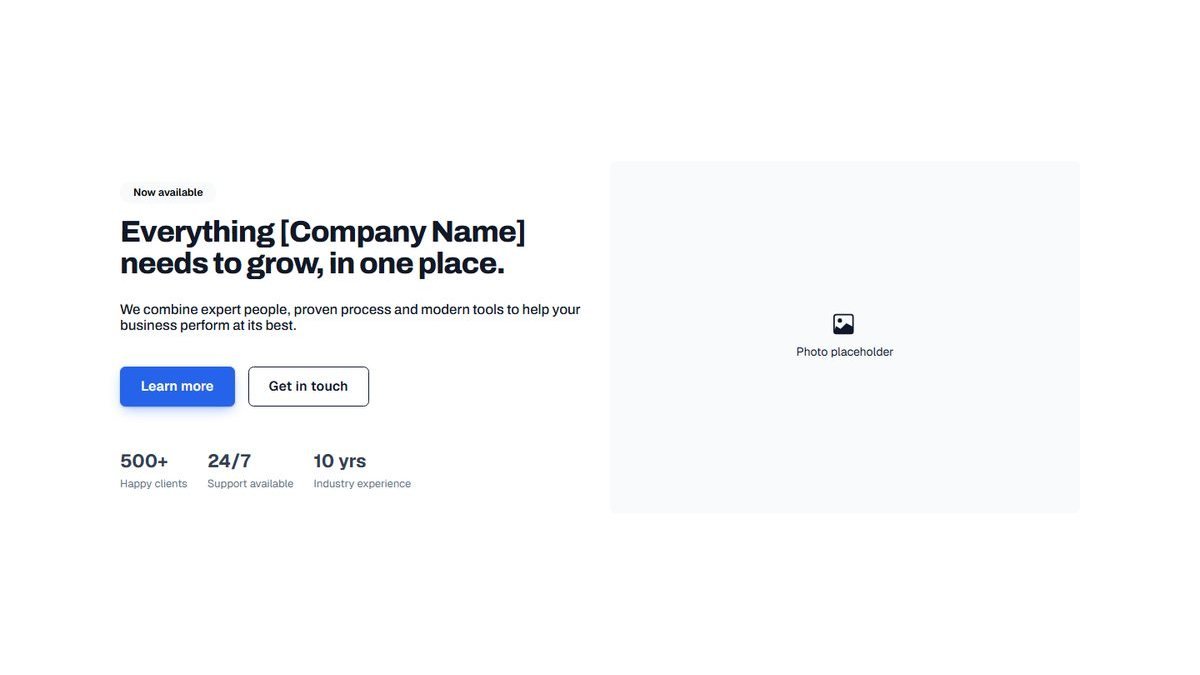
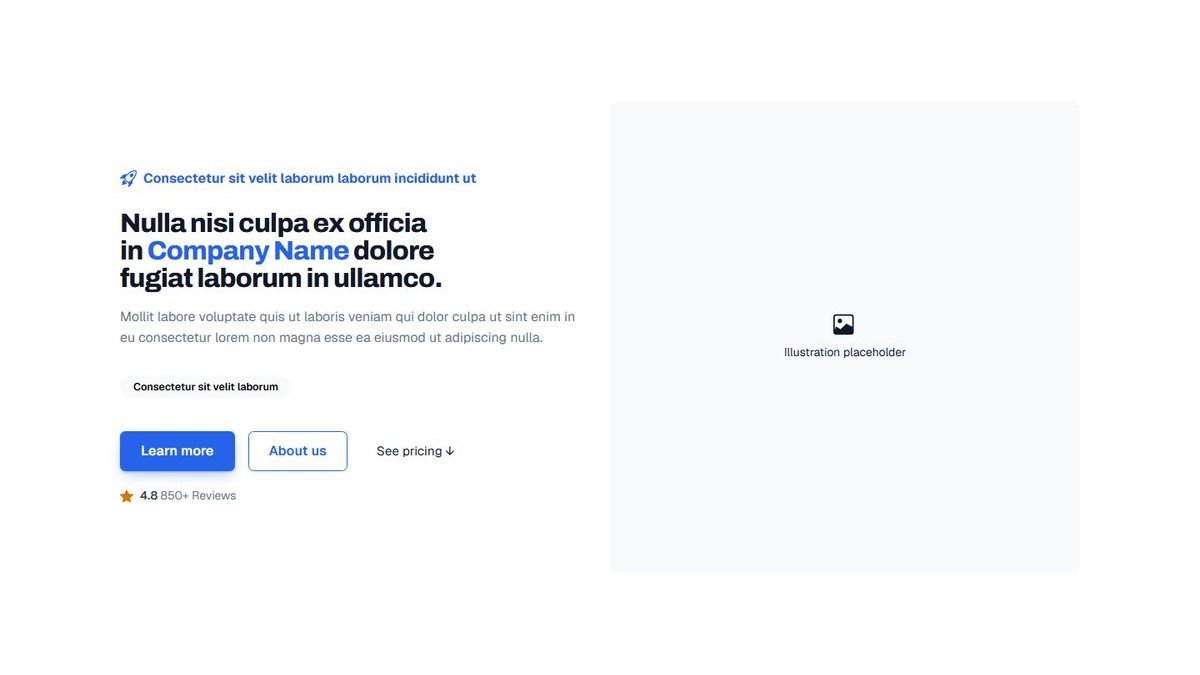

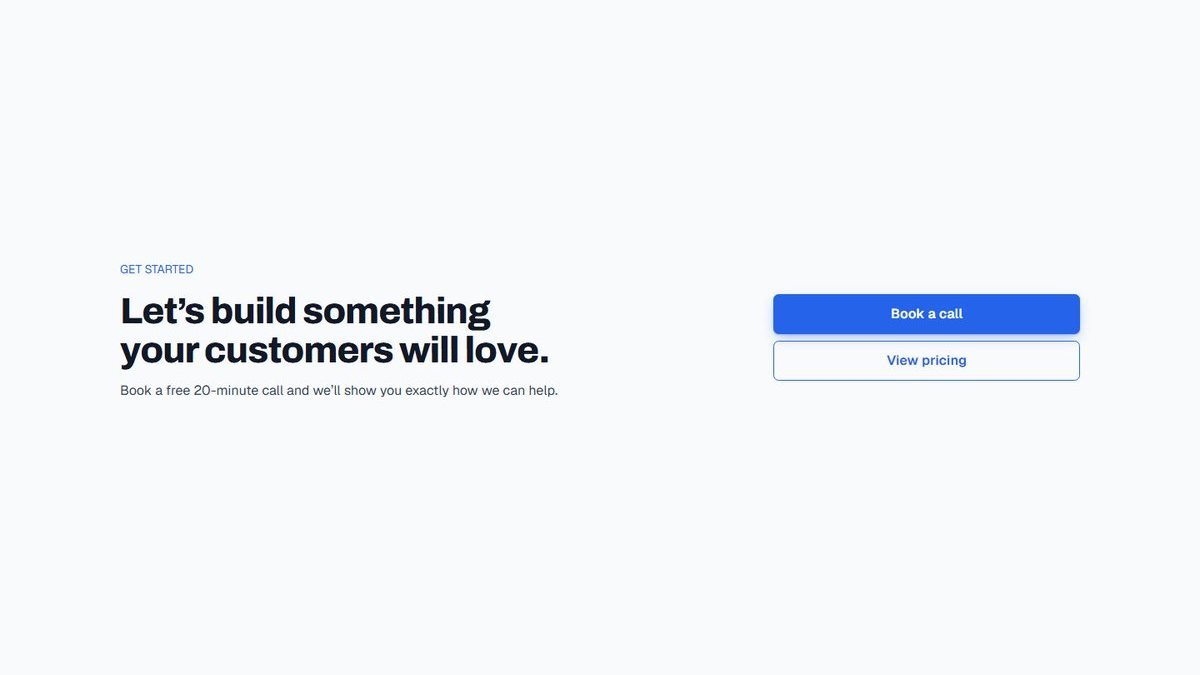




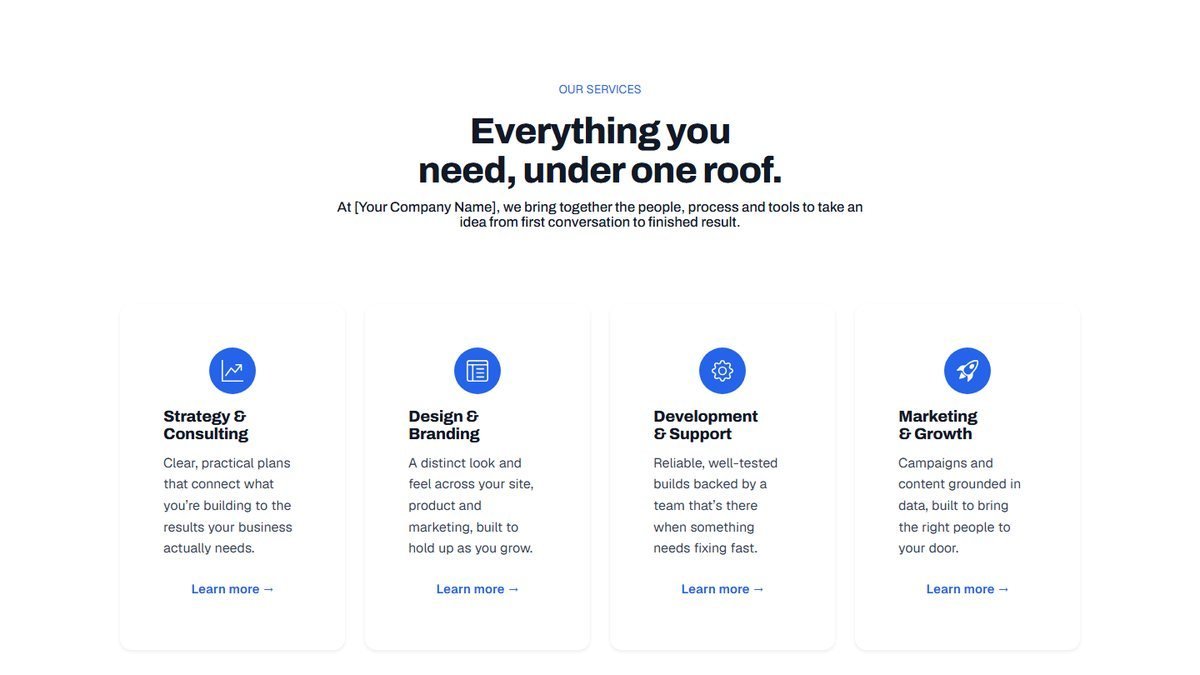


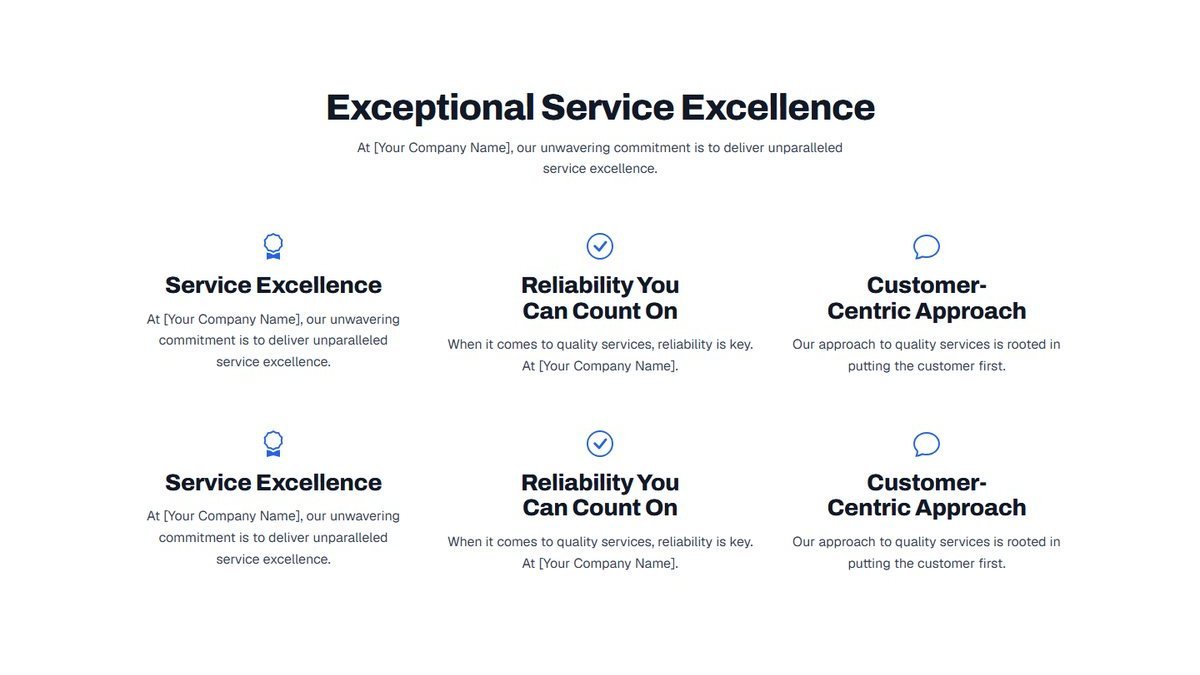
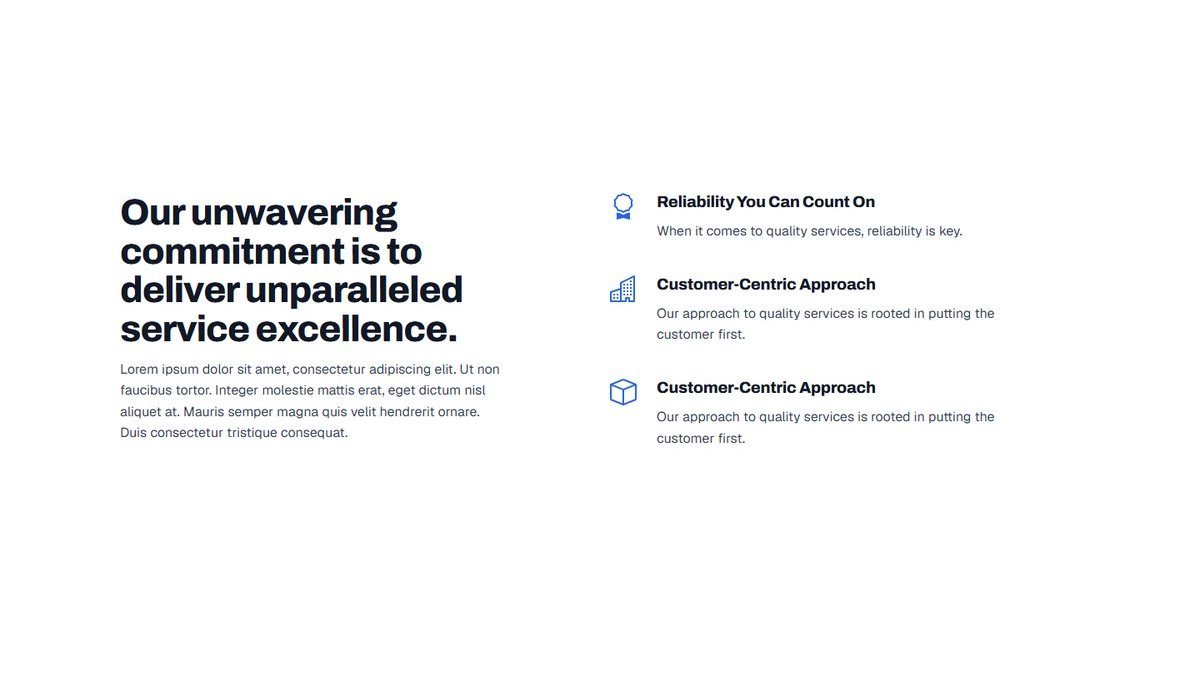
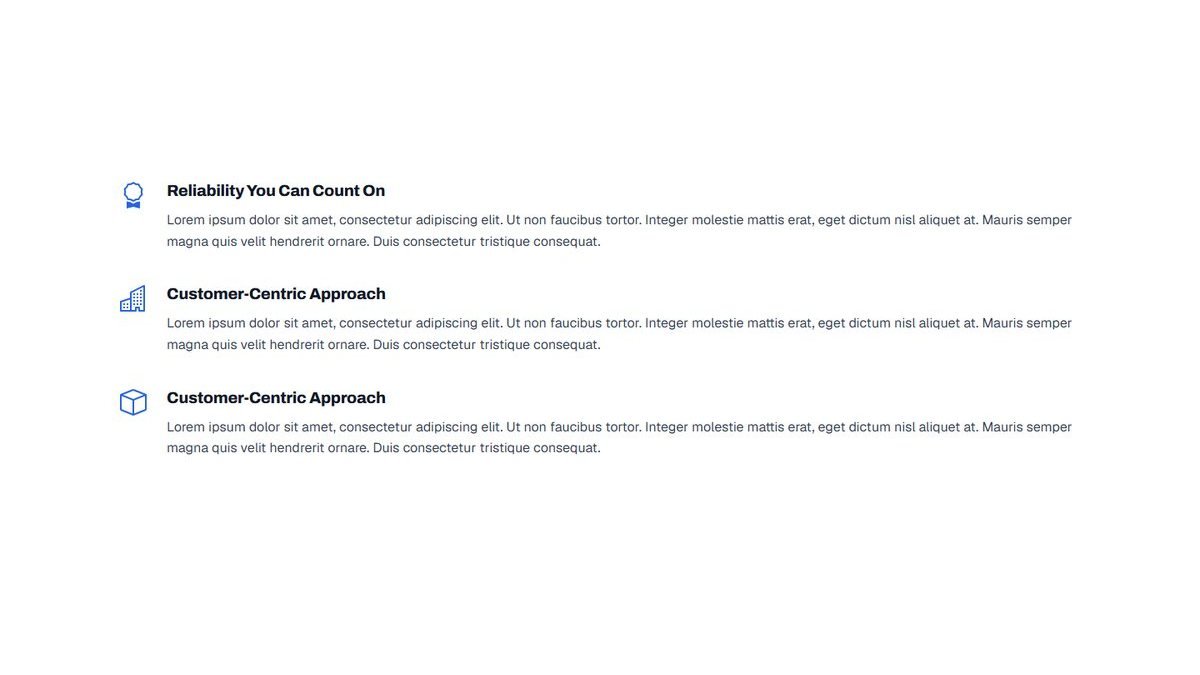
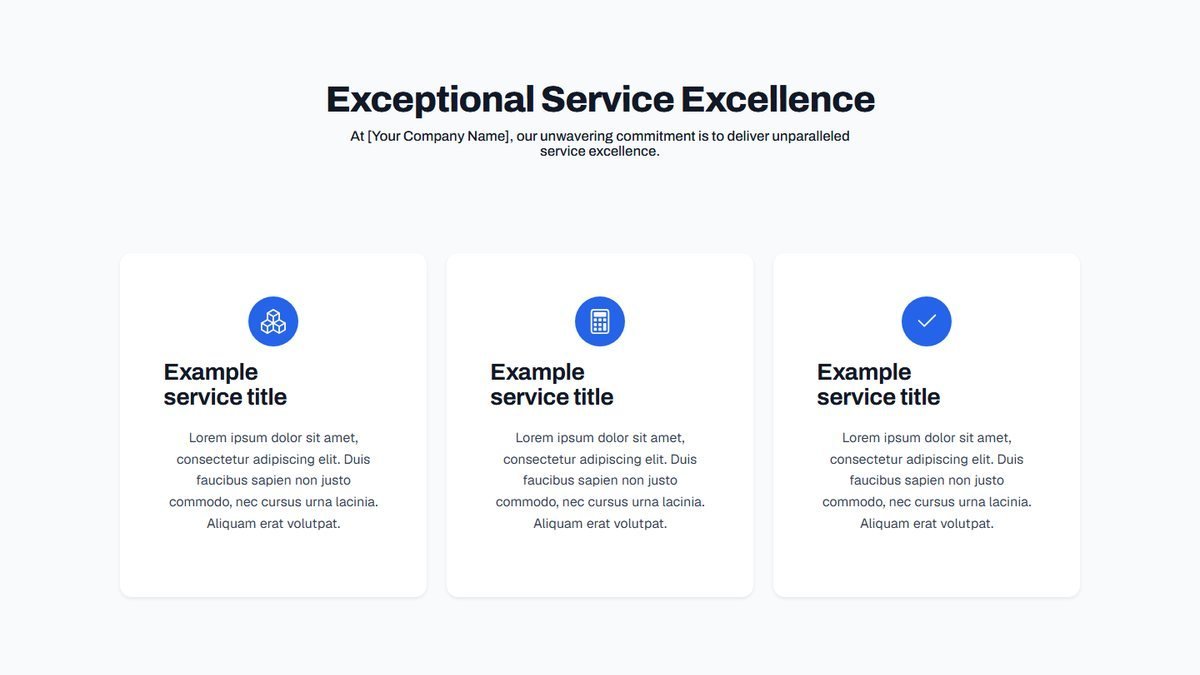
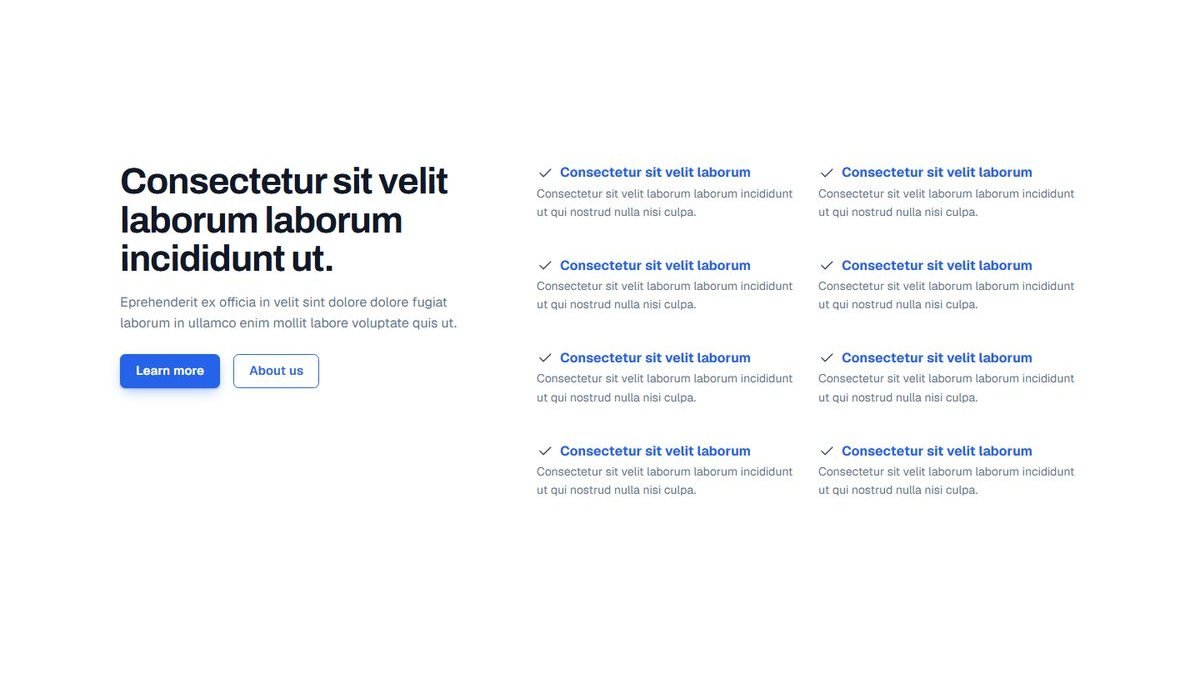
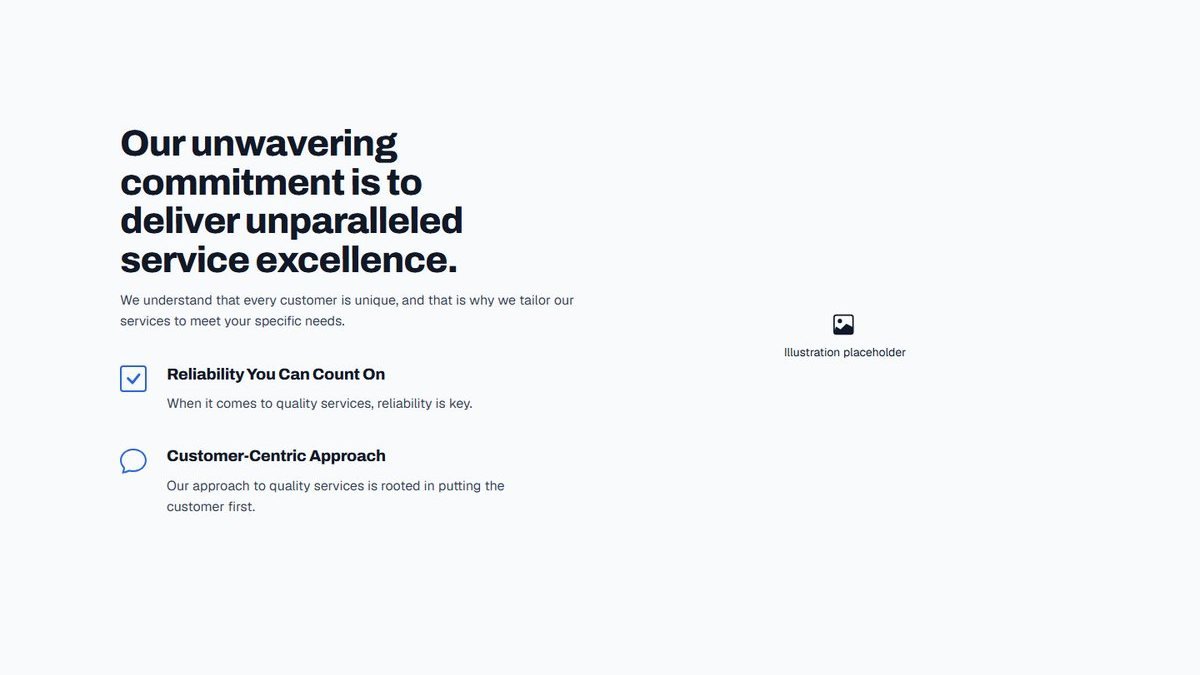
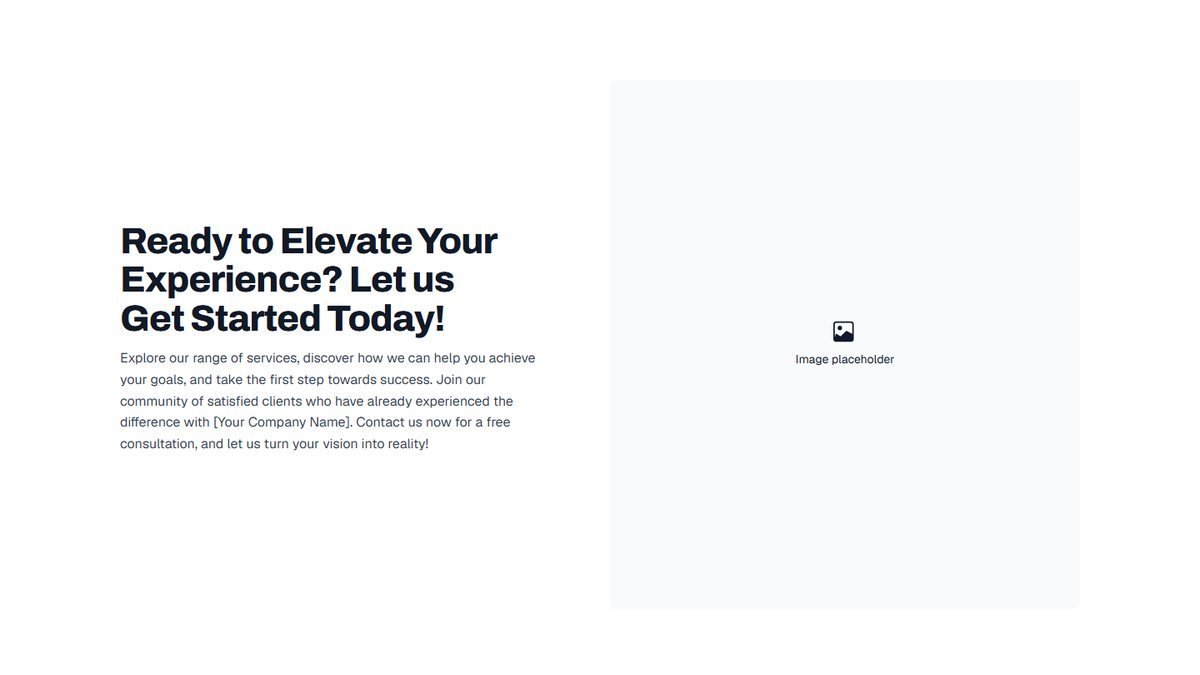
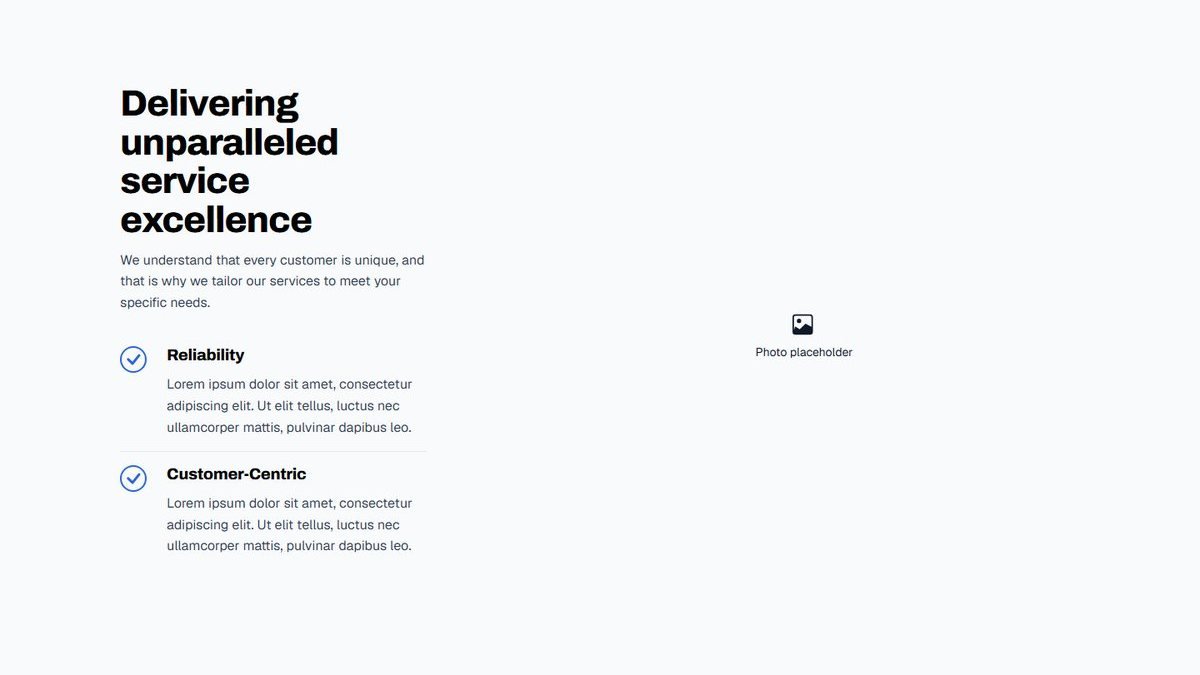
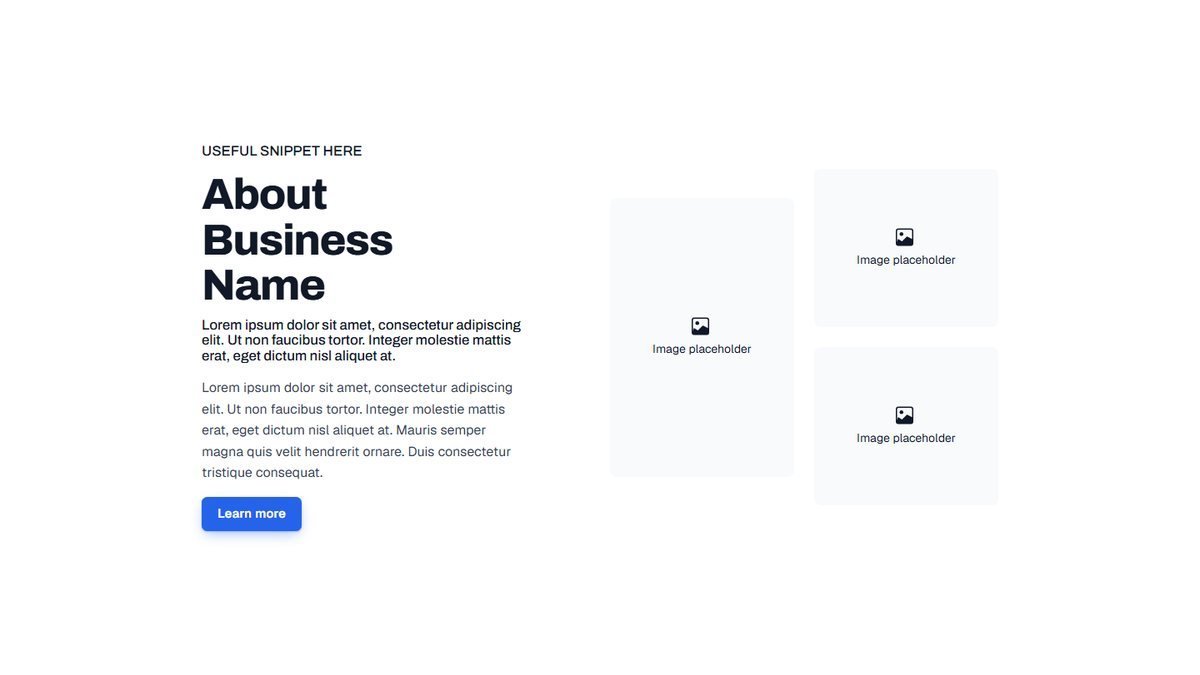
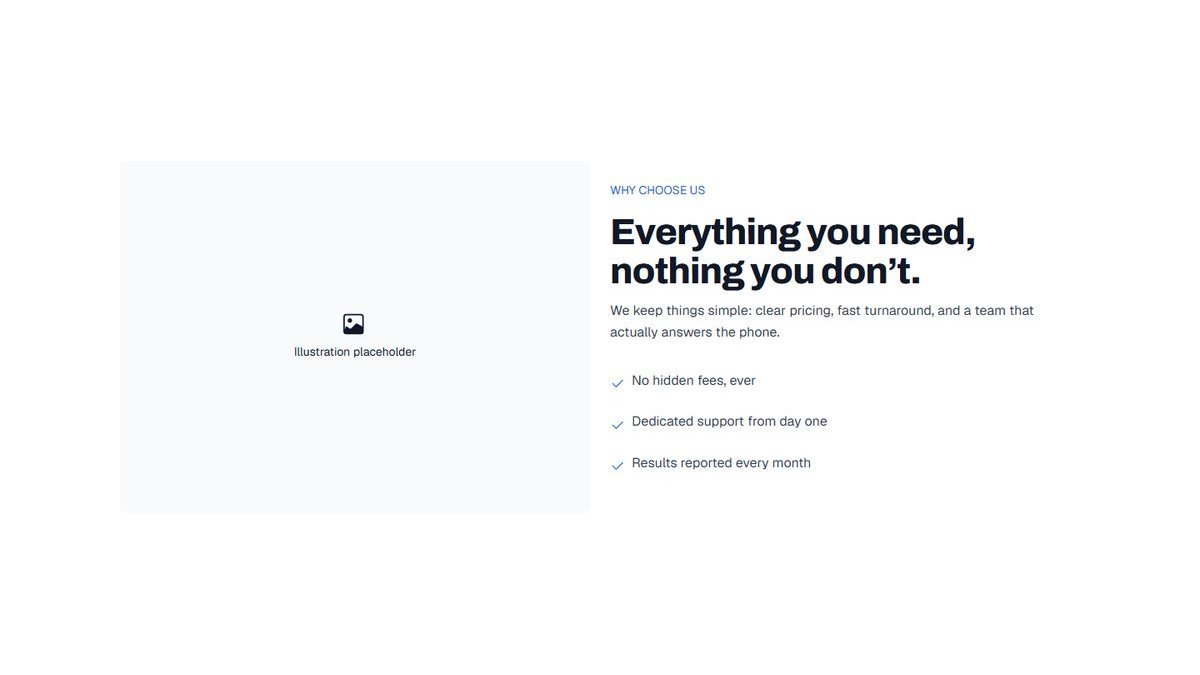
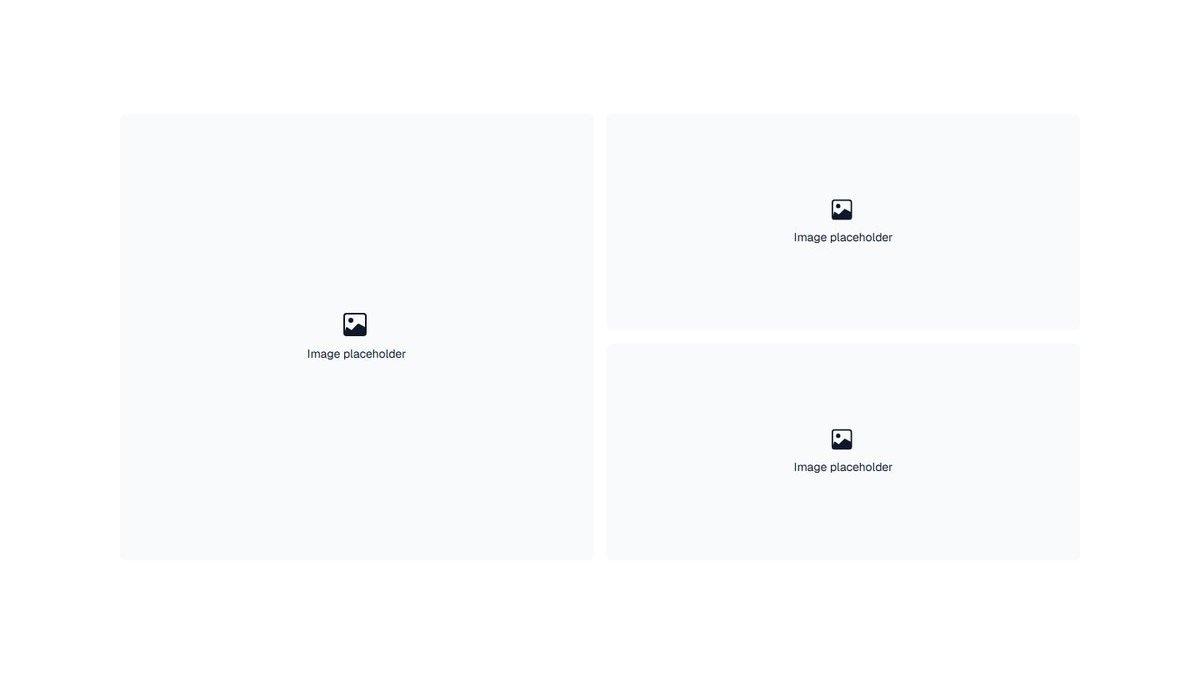
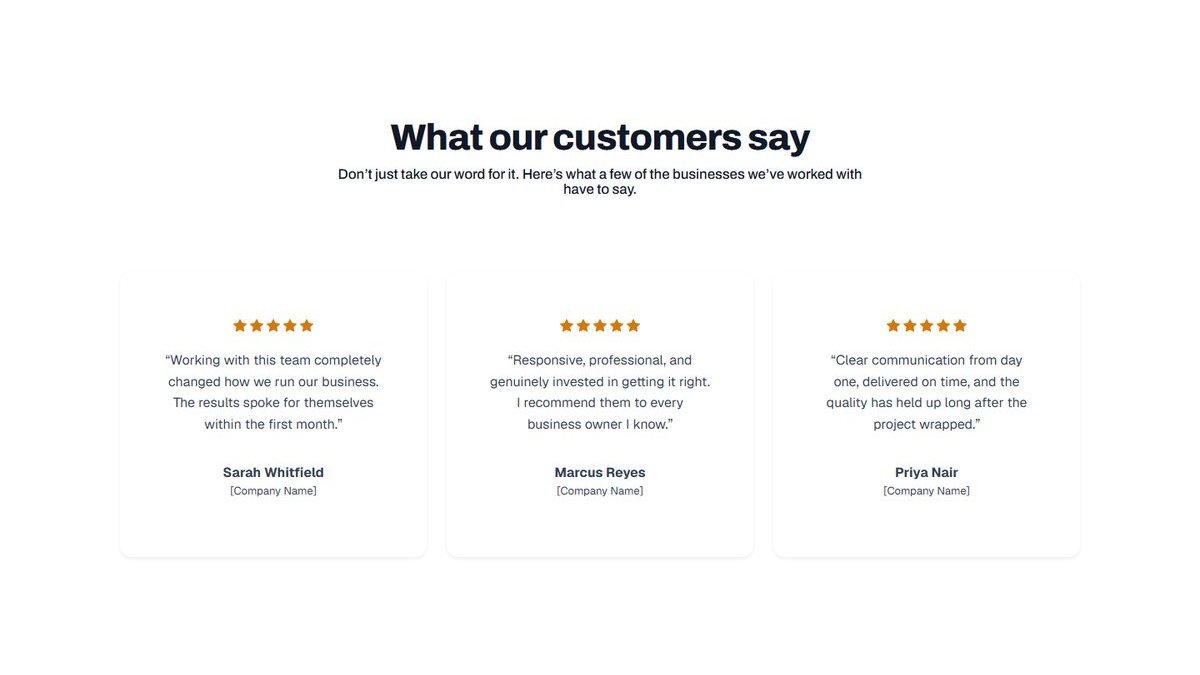

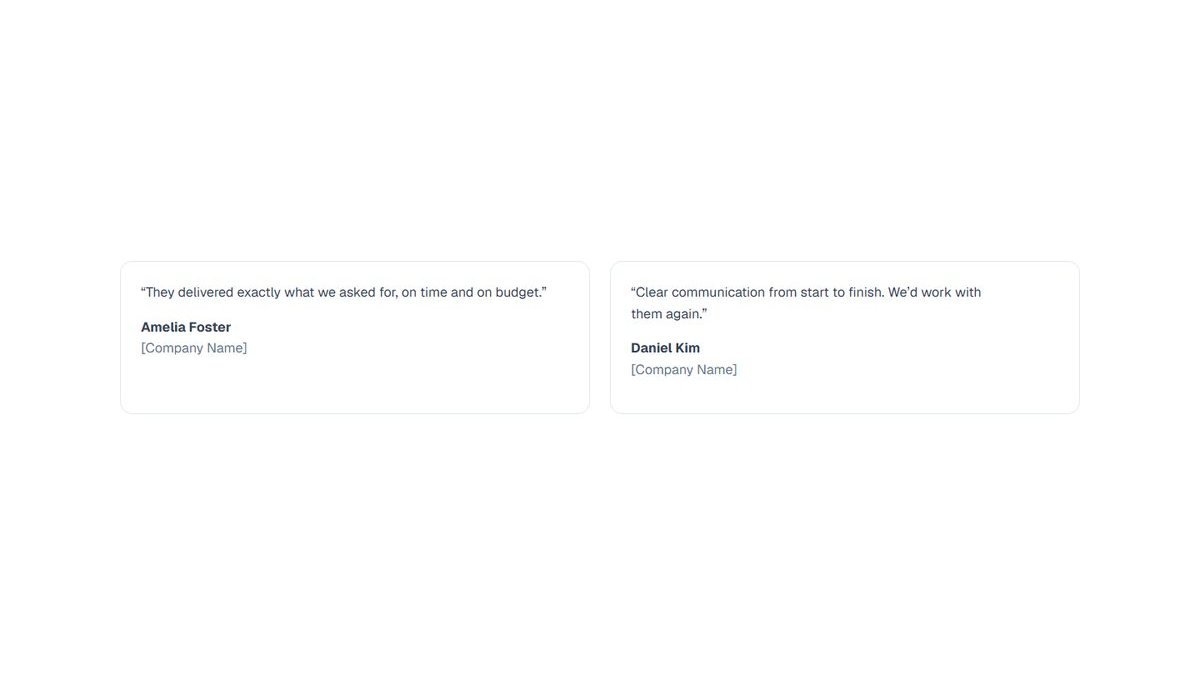
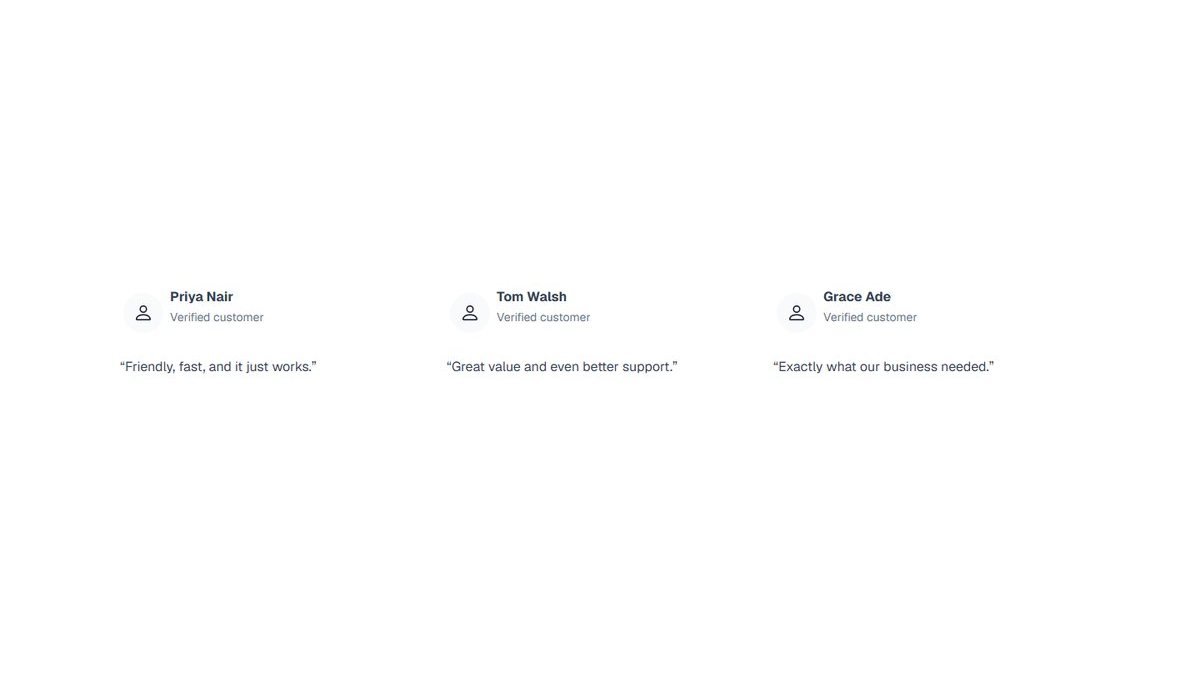
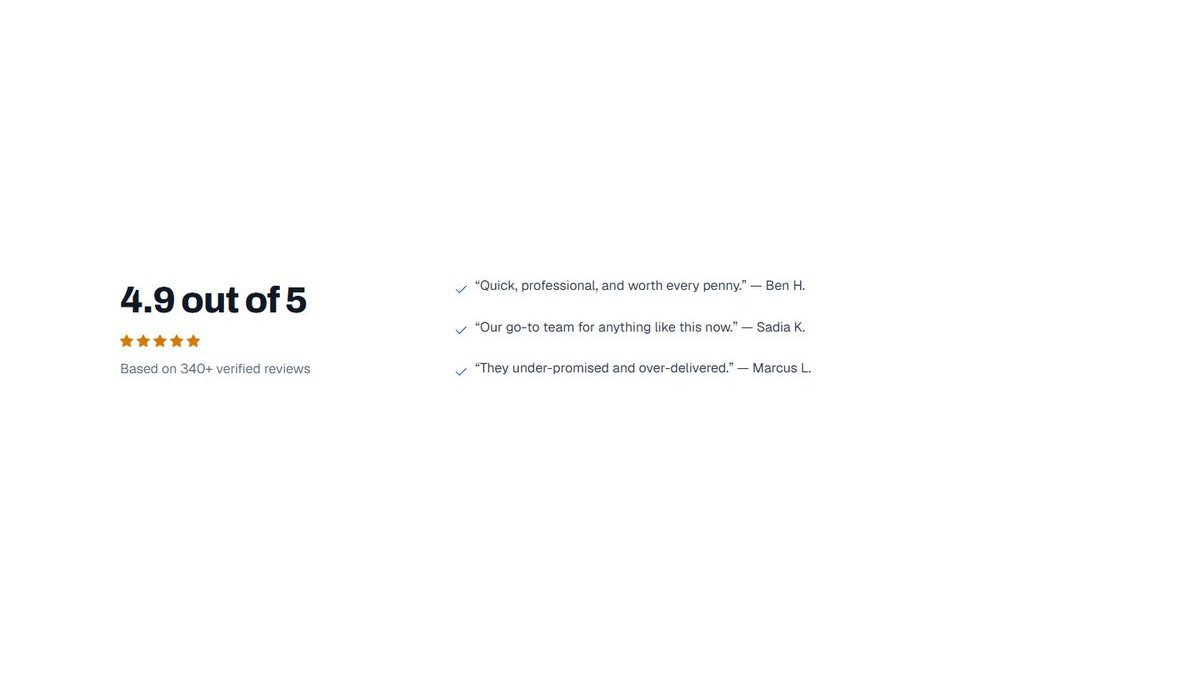
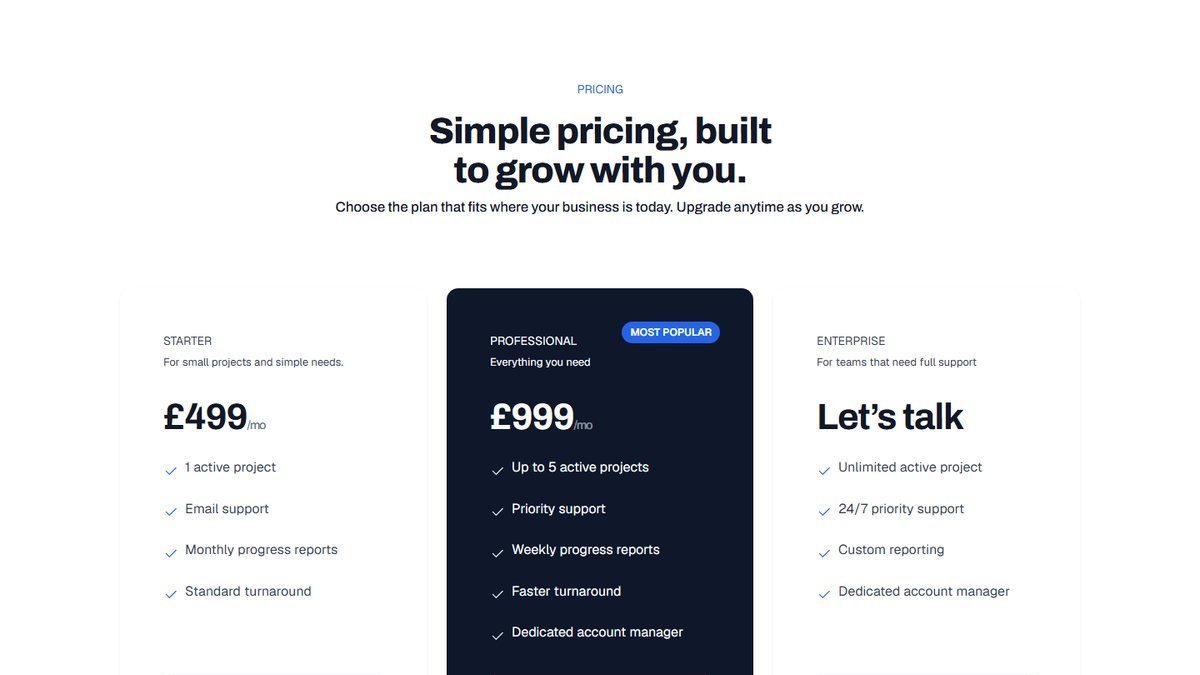
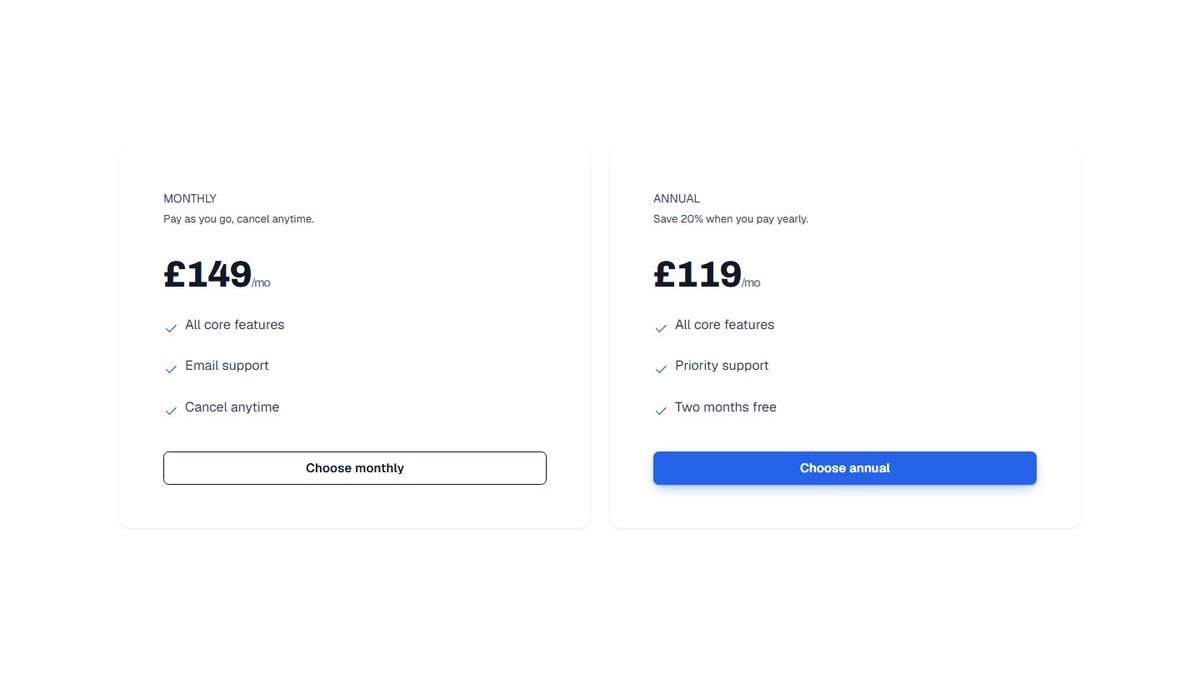
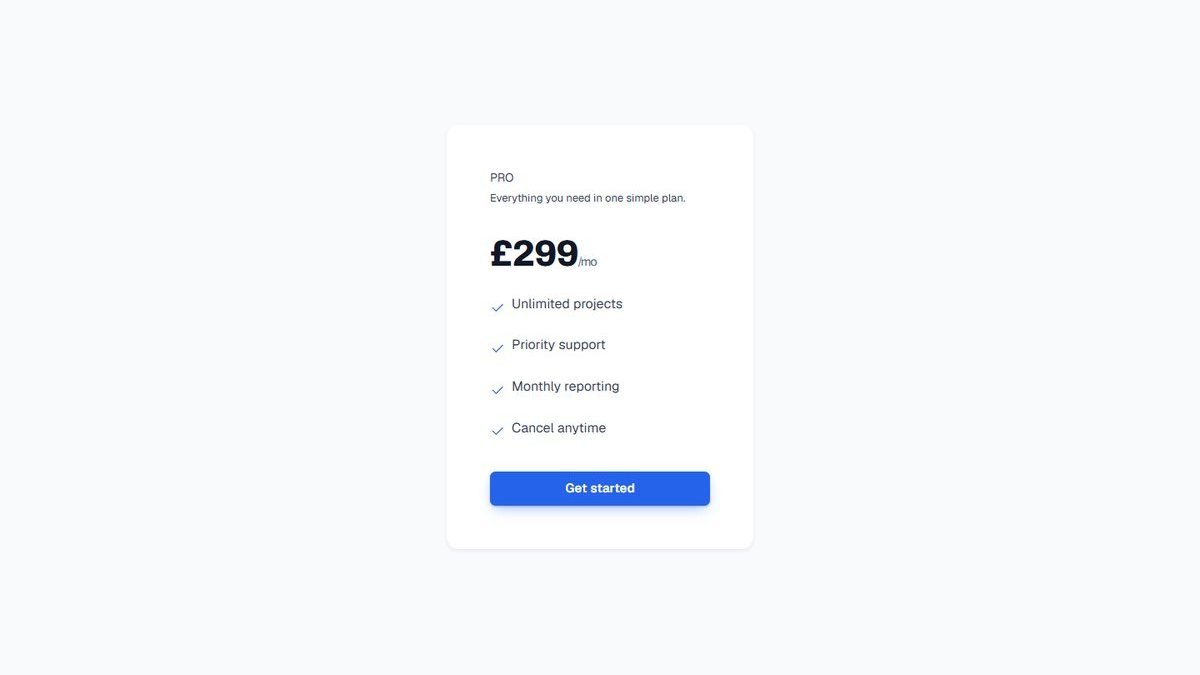
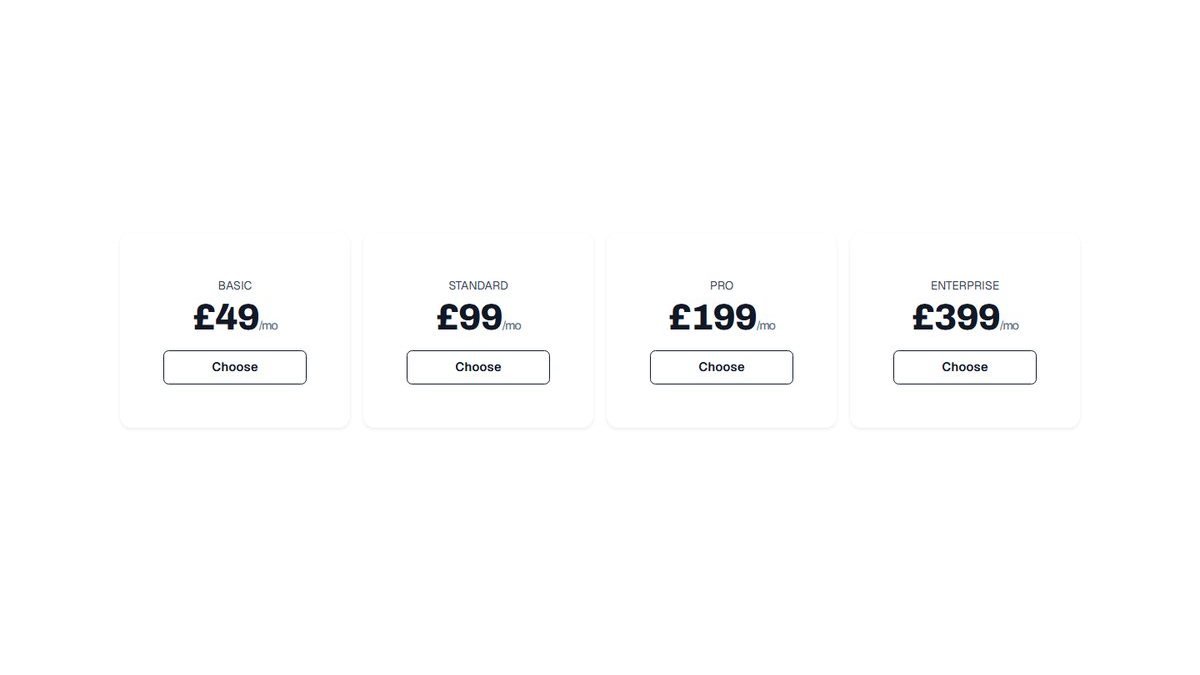

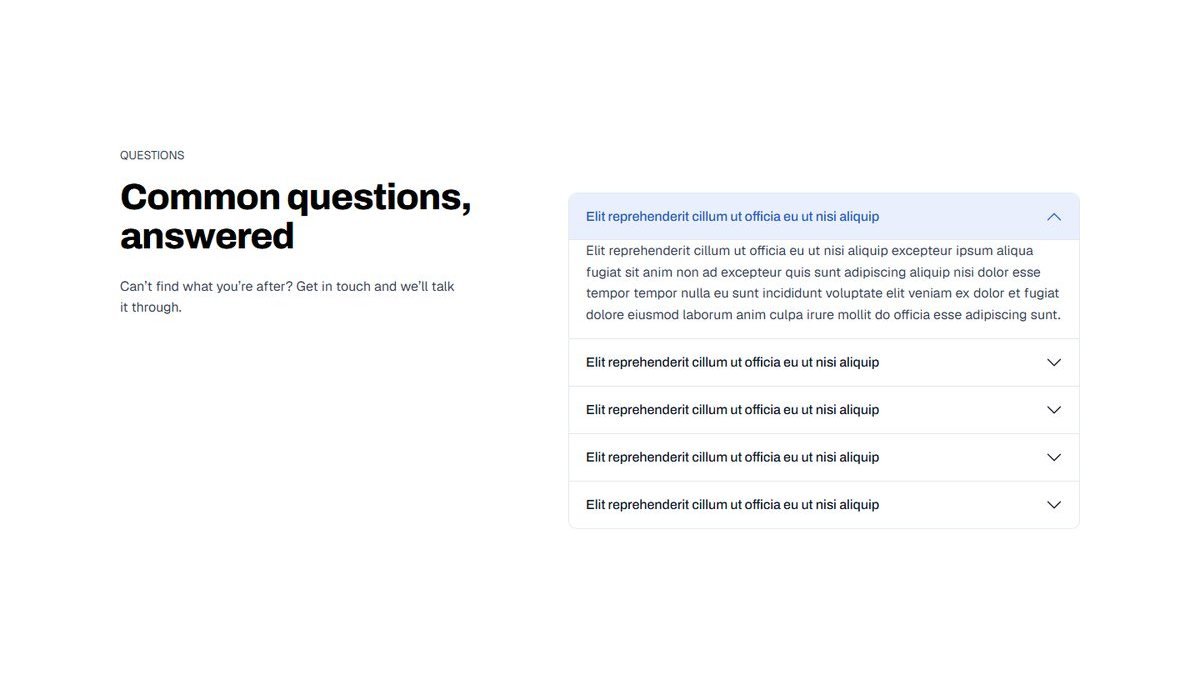
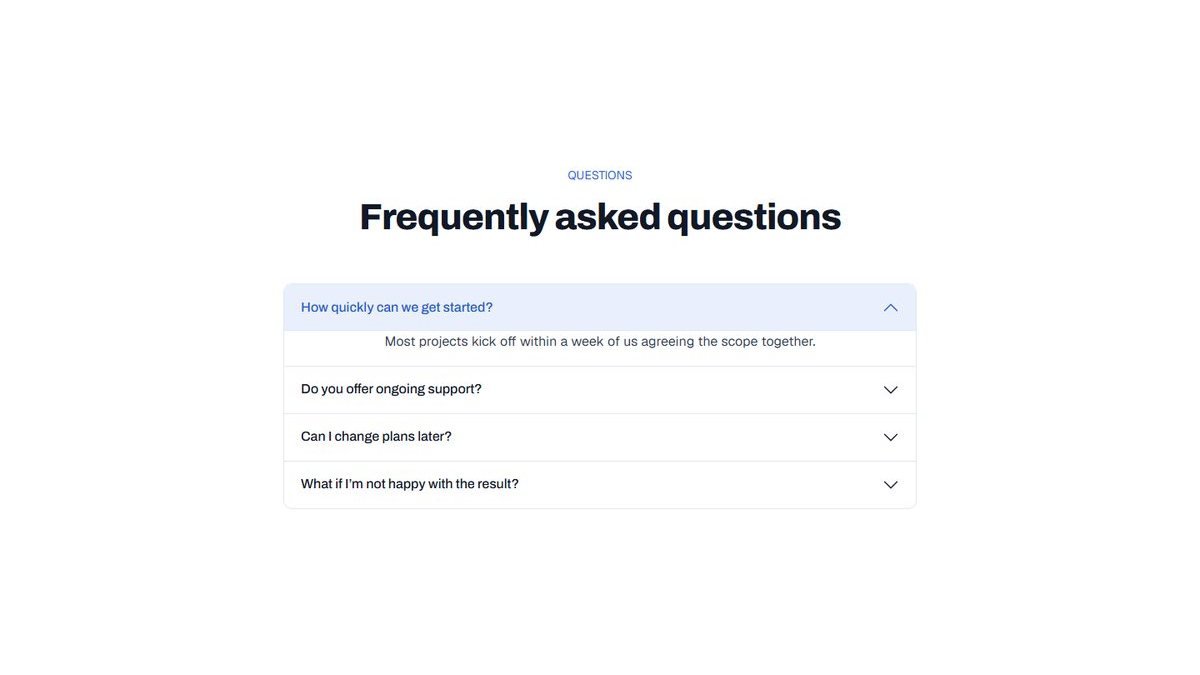
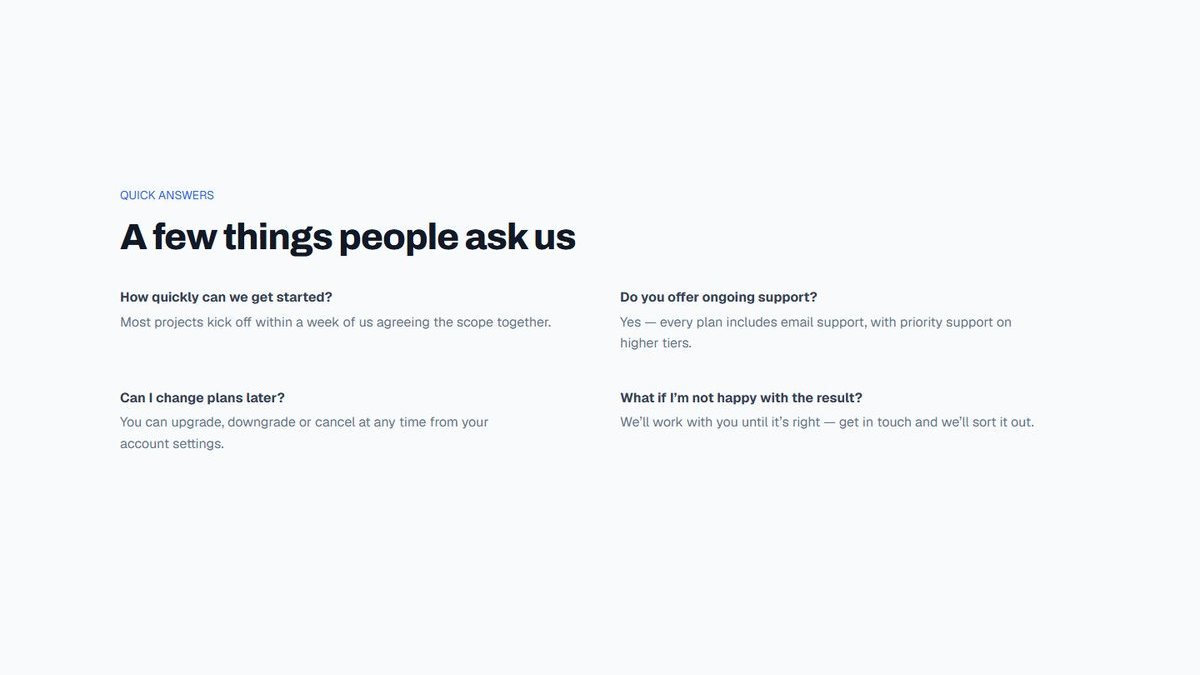
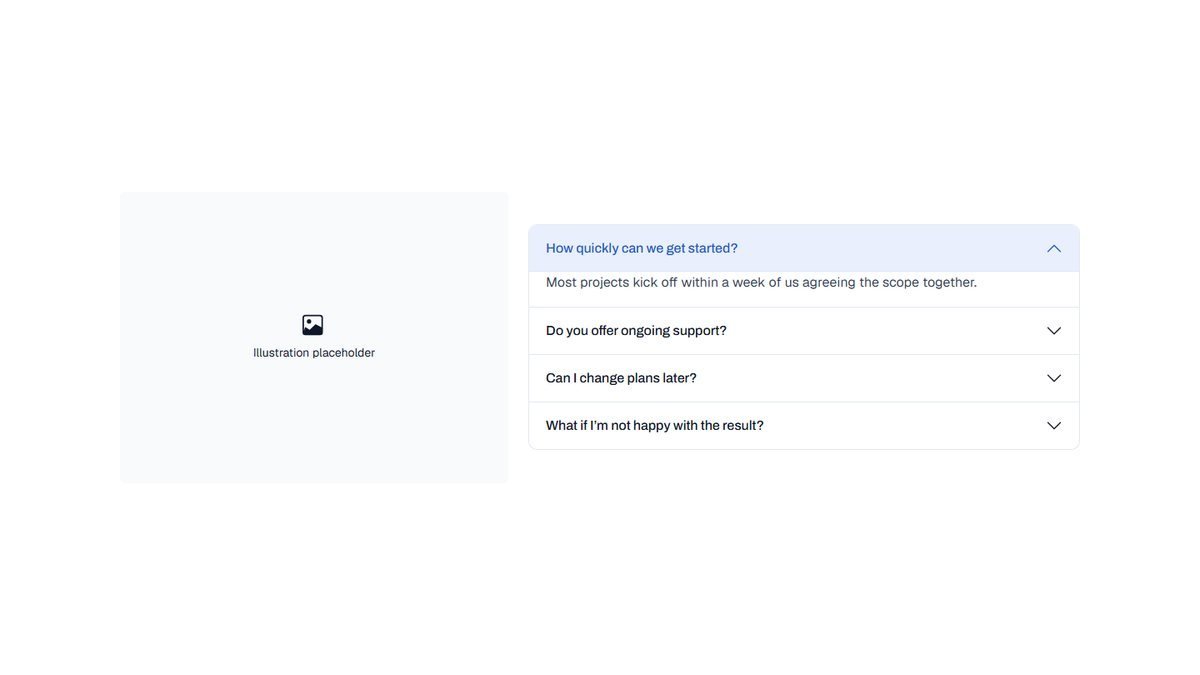
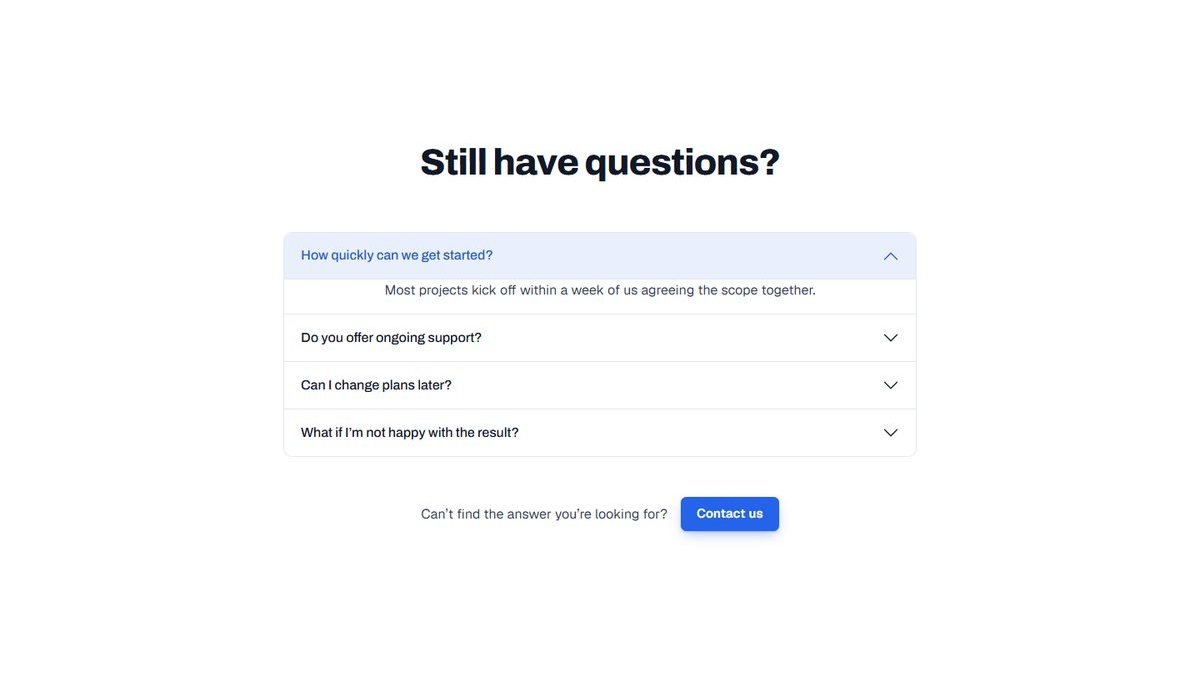


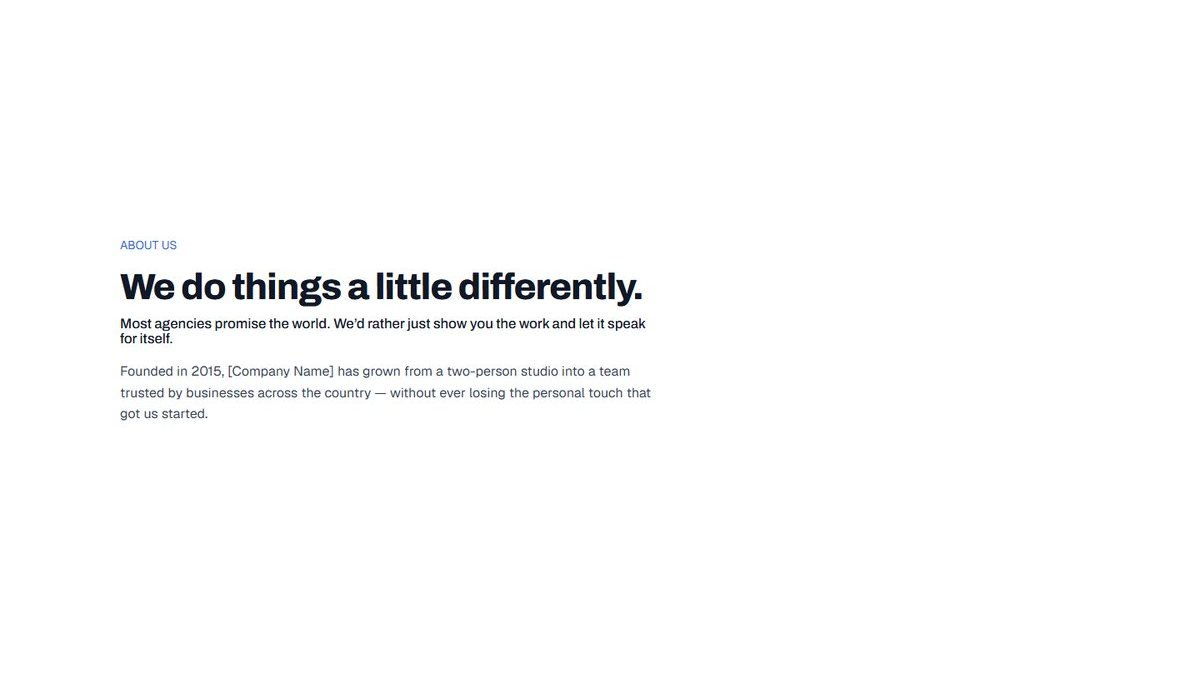
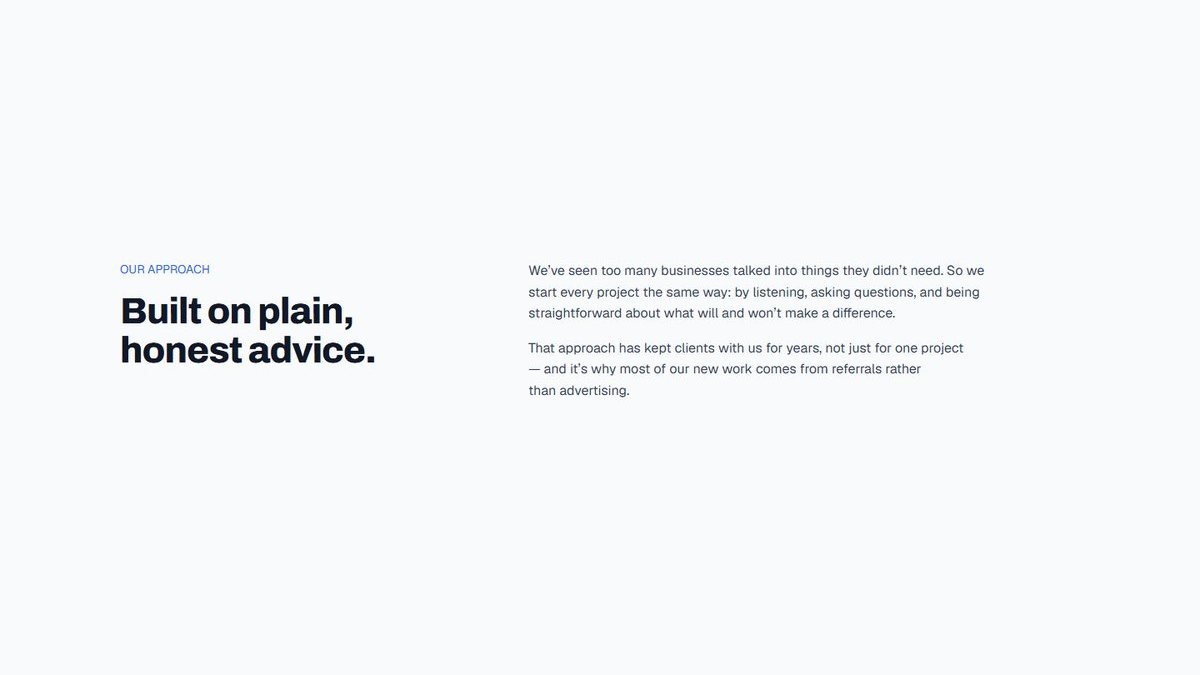
Previews show the patterns with their placeholder text and images. Also included: five header bars, a default footer, post meta and a full home page layout.
Save your own
Turn any section into a reusable pattern.
Built a section you will use again? Save it as a synced pattern. Edit it once and every page that uses it updates.
- Built from standard Zen Builder blocks
- Responsive at every Bootstrap breakpoint
- Styled by your Theme Options
- Editable in the WordPress block editor
- Save and reuse your own patterns
Ready to build better WordPress websites?
Start building with a WordPress system designed for speed, flexibility and professional results.
No page-builder lock-in. Just WordPress, Bootstrap and complete creative control.