
WordPress website builder
Build professional WordPress websites without the page-builder bloat.
Zen Builder combines Bootstrap 5, Gutenberg and Full Site Editing to give you complete control over your WordPress websites – without sacrificing performance or flexibility.
Built for WordPress professionals, freelancers and agencies.
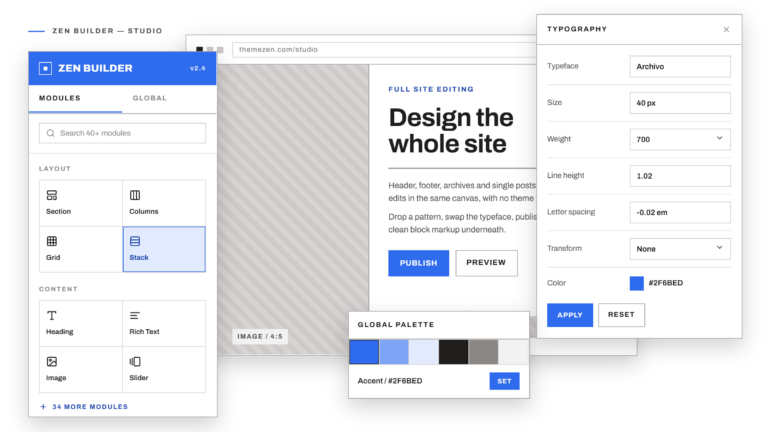
Built with the technologies you already use





Templates
Start with a design. Make it your own.
Starter sites for common types of business are in development. Until they launch, build pages fast with ready-made patterns.





Why Zen Builder
Everything you need to build better WordPress websites.
Build visually
Create layouts using WordPress’s native block editor and Full Site Editing.
Bootstrap-powered
Use a familiar responsive Bootstrap 5 grid and component system.
Built for performance
Generate efficient, optimised CSS and avoid unnecessary page-builder overhead.
Complete control
Control layouts, typography, colours, spacing, components and responsive behaviour.
The difference
WordPress freedom without the page-builder baggage.
Zen Builder works with WordPress rather than on top of it. Layouts are blocks, styles live in theme.json and your site stays portable.
| Traditional page builders | Zen Builder |
|---|---|
| Proprietary builder system | Native WordPress editor |
| Heavy frontend framework | Bootstrap 5 |
| Builder-specific layouts | WordPress blocks |
| Plugin-dependent styling | WordPress theme.json |
| Difficult to migrate | WordPress-native |
| Performance overhead | Lightweight approach |
Zen Builder
Build layouts visually. Control every detail.
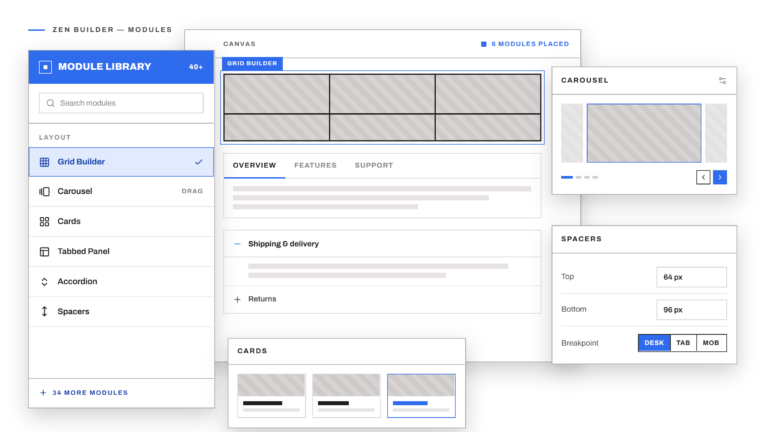
- Bootstrap grid
- Containers, rows and columns
- Responsive layouts
- Typography
- Colours
- Spacing
- Buttons
- Cards
- Components
<!-- wp:zenbuilder5/row {"columnGutterWidth":4} -->
<div class="row g-4">
  <div class="col-12 col-md-6 col-lg-4">
    …
  </div>
</div>
<!-- /wp:zenbuilder5/row -->
Bootstrap 5
The power of Bootstrap. Built into WordPress.
Zen Builder brings Bootstrap’s responsive layout system into the WordPress block editor.
- Responsive grid
- Familiar Bootstrap workflow
- Responsive breakpoints
- Utility classes
- Components
- Consistent spacing
- Developer-friendly
- Customisable
Blocks & components
Everything you need to build the interface.


Full Site Editing
WordPress Full Site Editing.
Edit headers, footers, templates and global styles in the native WordPress editor. You work inside WordPress, not a proprietary builder.
- Header editing
- Footer editing
- Templates
- Global styles
- Typography
- Colours
- Layouts
- Reusable components
- Responsive design
Performance
Beautiful websites shouldn’t be slow.
Performance is a design and development priority in Zen Builder, from how styles are generated to what reaches the browser.
Optimised CSS
Styles are generated from your settings rather than shipped as a large framework.
SCSS compilation
Variables and partials compile into a single stylesheet.
Minification
Production CSS and JavaScript are minified.
Lightweight frontend
No unnecessary builder framework is loaded on the page.
Responsive images
Native WordPress srcset and lazy loading.
WordPress-native architecture
Blocks, theme.json and templates all the way down.
Patterns
Ready-made sections. Build pages in minutes.
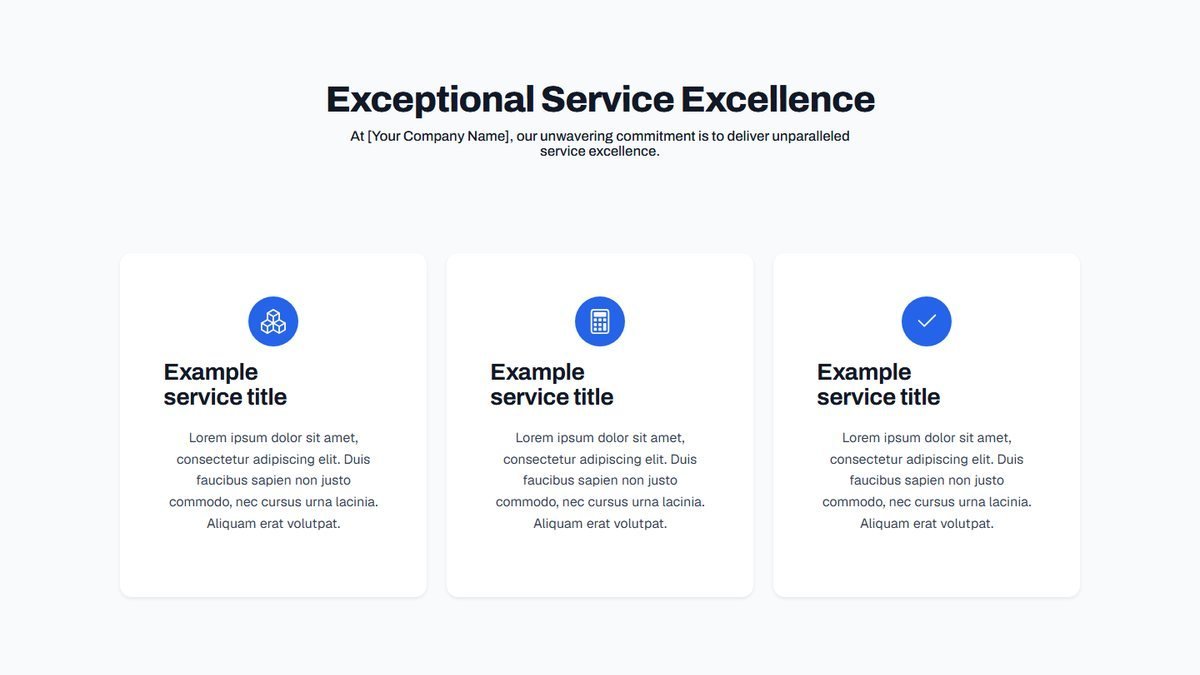
Insert heroes, feature grids, testimonials, pricing tables and FAQs from the block inserter, then edit the words and images.




For developers & agencies
Built for the people who build websites.
A consistent foundation for every client project, built on WordPress standards and Bootstrap.
Reusable systems
Save layouts, patterns and components and reuse them across projects.
Client websites
Hand over sites that clients edit in the standard WordPress editor.
Custom CSS
Add your own CSS and SCSS alongside the generated styles.
Consistent workflow
Standardise development across multiple projects and teams.
Pricing
Simple pricing. One licence.
The Zen Builder theme and builder plugin for £50 a year.
Zen Builder
YearlyThe Zen Builder theme and builder plugin for one website, with updates, new features and support. Renews yearly.
£50per year
Buy Zen BuilderWhat’s included
- Licence for 1 website
- Updates, new features & support
- Zen Builder block theme & child theme
- Zen Builder plugin with all blocks & components
- 49 ready-made section patterns
- All standard extensions
- Theme Options design system
- Full documentation
FAQ
Frequently asked questions
Zen Builder is a Bootstrap 5 block theme and a blocks plugin that work together inside the WordPress editor. You get the theme, a child theme for your own changes, the builder plugin with its blocks and components, ready-made section patterns, a Theme Options design system and the standard extensions, all in one licence.
Yes, and more. The Zen Builder theme is a Bootstrap 5 block theme. It comes with a child theme, where your own CSS and template changes live so theme updates never overwrite them, and a builder plugin that adds the Bootstrap blocks.
Yes. Zen Builder is built on the WordPress block editor (Gutenberg). The plugin adds Bootstrap-based blocks alongside the core blocks, and core blocks such as Heading, Paragraph and Image work inside Zen Builder columns and use your global styles.
Yes. Zen Builder is a block theme, so you can edit the header, footer and templates visually under Appearance → Editor, and reset any of them to the theme’s original version.
Yes. Bootstrap 5 is built in, so there is nothing extra to install. Zen Builder compiles it from your Theme Options, so colours, type, spacing and grid values all come from one screen, and every Bootstrap utility class is available in the editor.
Yes. Add small snippets in Theme Options under Custom CSS & JS, and keep larger stylesheets in the child theme’s style.css. You can also add Bootstrap utility classes to any block under Advanced → Additional CSS class(es).
Yes. Zen Builder declares WooCommerce support, so shop, product, cart and checkout pages use your theme’s header, footer and global styles. You can edit the shop and product layouts in Appearance → Editor → Templates.
Yes. Each licence covers one website, so buy a licence for each client site you build.
Yes, you can switch an existing WordPress site to Zen Builder. Content built with the standard WordPress blocks carries over. Pages built with another page builder, or a classic theme, will need their layouts rebuilt with Zen Builder blocks. We recommend trying it on a copy of your site first.
No. You build pages visually with blocks in the WordPress editor. Knowing a little HTML, CSS or Bootstrap helps if you want to go further, and custom CSS is there when you need it.
Updates are provided while your subscription is active. You can download new versions of the theme and builder plugin from your account and install them on your site.
Every subscription includes support for the site the licence is used on.
Each licence covers one website. Buy a licence for each site you build.
Need help? We’ve got you covered.
The documentation provides guides for every stage of a build, from installation to WooCommerce.
Ready to build better WordPress websites?
Start building with a WordPress system designed for speed, flexibility and professional results.
No page-builder lock-in. Just WordPress, Bootstrap and complete creative control.